The Marked-Up Screenshot
Long Story, Less Long
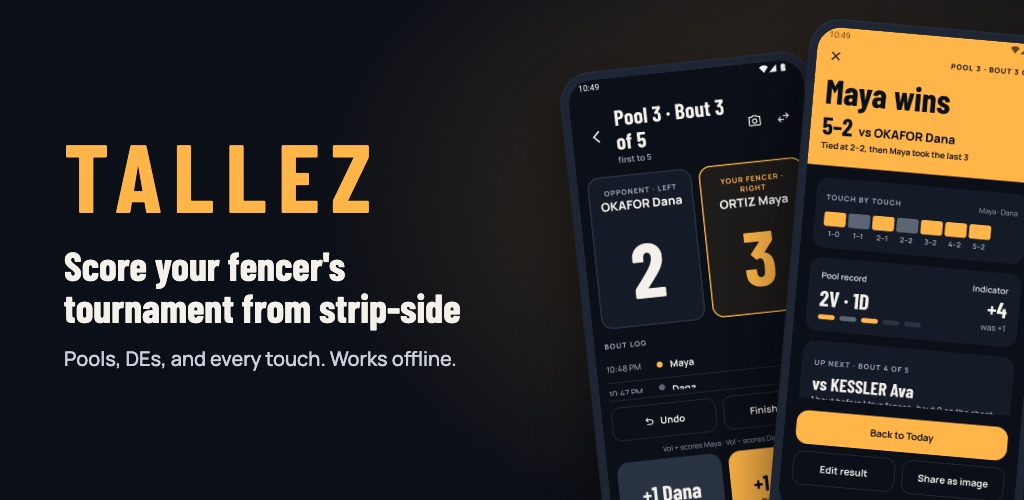
At one of our kid’s fencing tournaments, I watched my wife screenshot the pool sheet on Fencing Time Live and write in every score with her finger. That screenshot became Tallez—an app that helps fencing parents know when their fencer is up, score bouts strip-side, and let family at home follow along live. It’s coming soon to Android and iPhone. You can join the waitlist at tallez.app.
Becoming a Fencing Parent
Fencing has been a three-year journey for our family. I’ve gone from knowing nothing about the sport to understanding the intricacies and strategies that make some fencers great. At the same time, I’ve gone from a novice sports parent to, essentially, a staff member on a one-kid sports team. My only real job is to be supportive, and to do that, I need to be present. Still, the urge to channel my inner “sports dad” and “software engineer” was strong. My duties:
- Take really good pictures to capture memories and share them with close family and friends
- Build things that make tournament days easier
- Keep the snack bag restocked

A Quick Primer on Fencing Tournaments
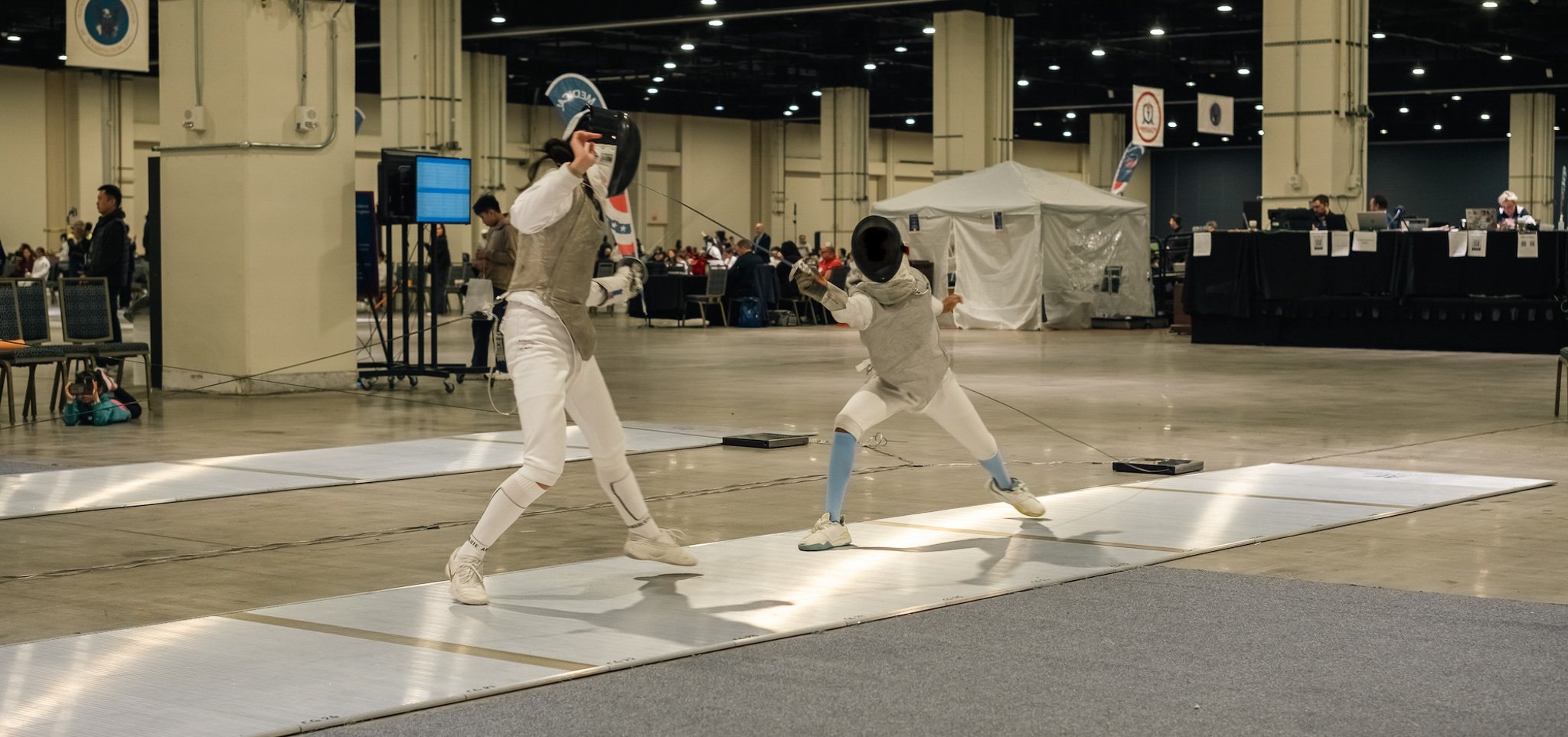
If you’ve never been to one, here’s the vibe. Picture a convention center or a school gym packed with fencing strips, with bouts happening on all of them at once. There’s a constant stream of electronic chirps letting you know whenever a fencer scores a point (a “touch”). Usually, there’s yelling and celebrating right after a chirp.
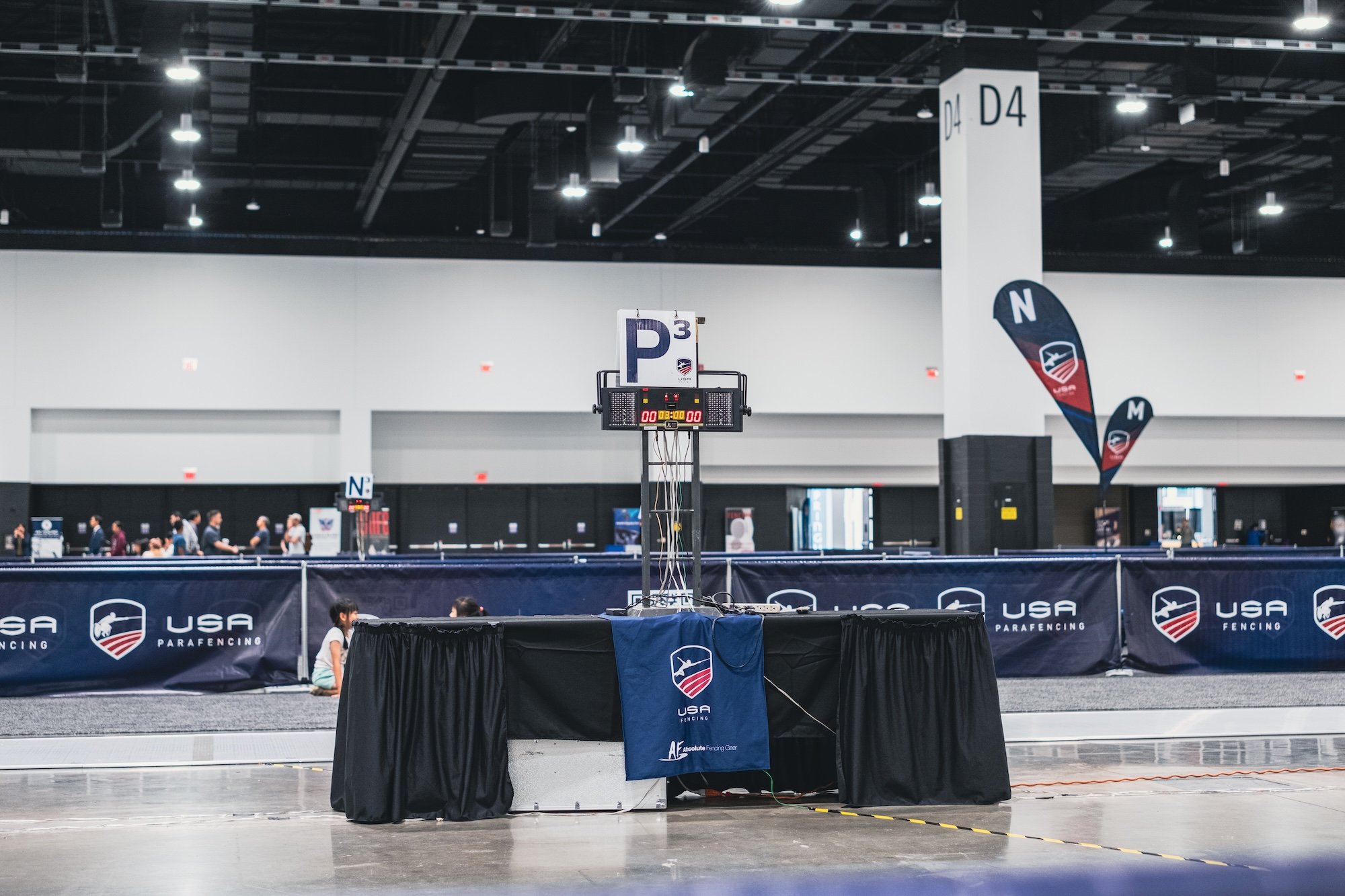
The day starts with pools. Each fencer is placed in a small group and fences everyone else in it, first to 5 touches. How they do in pools decides their seed for the direct elimination (DE) bracket, where bouts go to 10 (or 15) and losing means your day is done.
Official results go up on Fencing Time Live, the site nearly every tournament uses. It’s great at what it’s built for: managing the entire tournament. It posts every pool, seed, and bracket for every fencer in the building, and results appear once the bout committee enters them.
As a parent watching strip-side, though, I’m trying to answer something much smaller: How is my fencer doing right now, and when are they up next?
The Screenshot
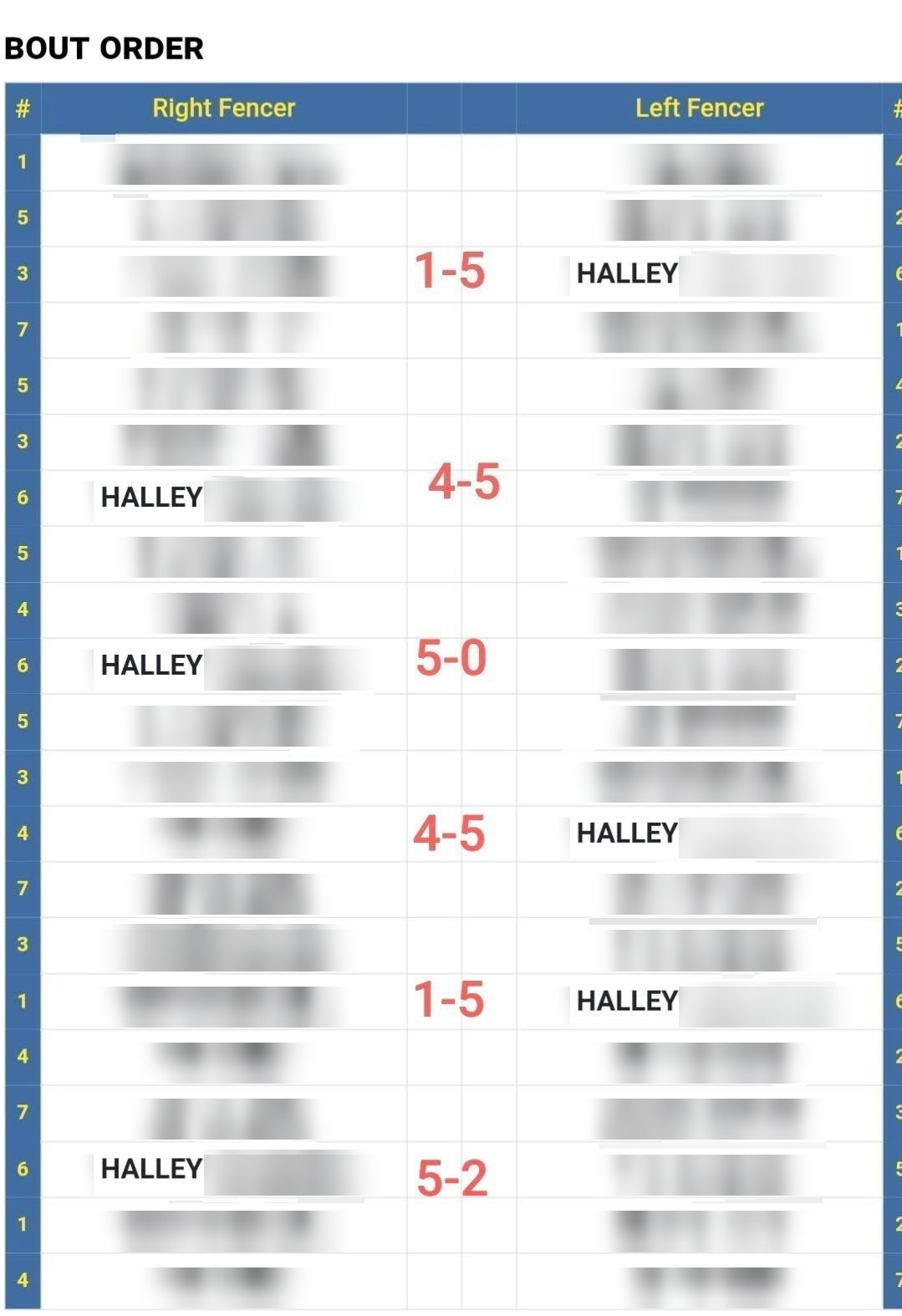
At a tournament a while back, I looked over at my wife and noticed what she was doing. She had taken a screenshot of our kid’s pool sheet on Fencing Time Live, opened it in her photo editor, and was writing each score into the grid with her finger as the bouts finished. When a bout ended, she zoomed in, found the right box, and added the next number.
Every so often, she’d drop the marked-up screenshot into the family group chat so everyone at home could follow along. None of us grew up around fencing, so those scoresheets and photos gave our family a small window into this new world we were spending our weekends in.
It worked. Looking back, it was also the clearest product spec I’ve ever been handed.
What the Screenshot Was Doing
That single image was doing three jobs at once:
- It cut the noise down to one sheet. No digging through dozens of pools and events just to find the one that mattered to us.
- It had the scores before the official results did. Her finger was faster than the bout committee. Keeping our own record also gave us a way to double-check the official sheet before it was finalized.
- It kept the family in the loop. Because it was just an image, it was effortless to text to the grandparents and family who couldn’t be there in person.
My wife never asked me for an app. She had already hacked together the tool she needed using what was on her phone. I just had to turn her workflow into real software.
Turning the Screenshot into an App
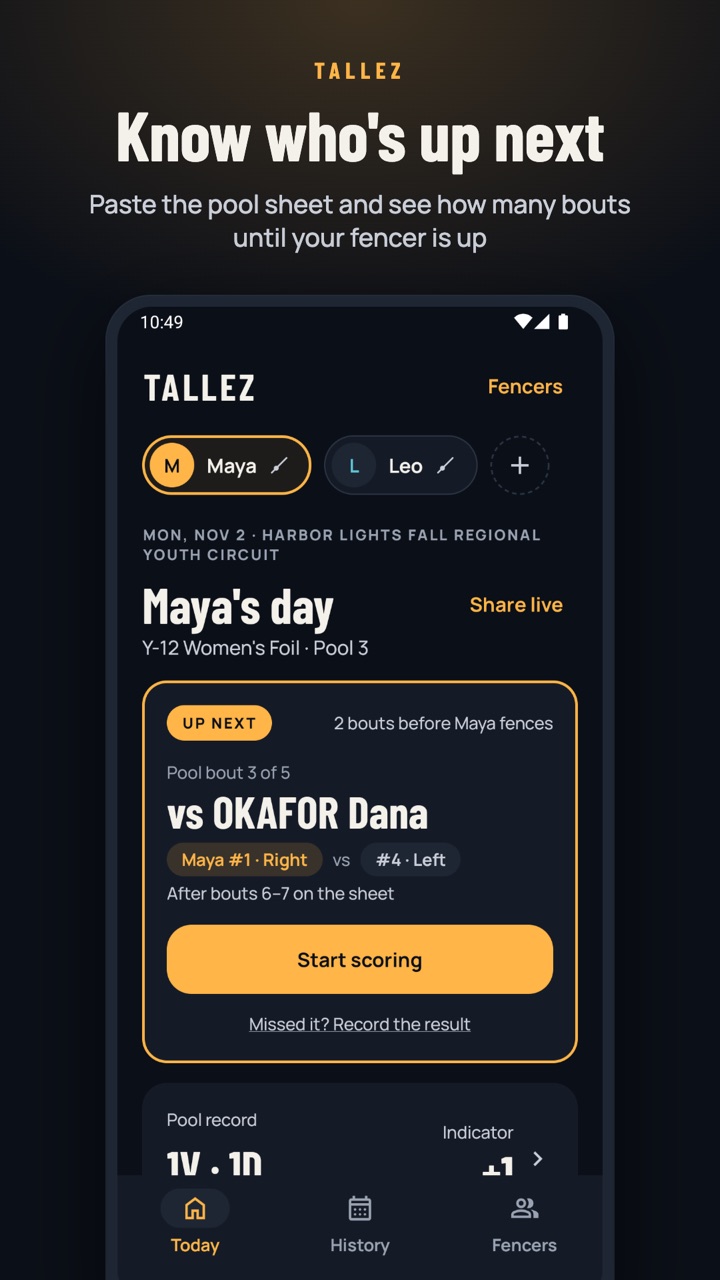
I started with the same first step she took. In Tallez, you copy your fencer’s pool sheet from Fencing Time Live and paste it in. Tallez finds your fencer on the sheet, lines up their bouts, and tells you how many bouts are left before theirs. Nobody has to type names into a phone in a loud gym.
Drawing numbers with a finger became a massive +1 button big enough to tap without looking down. You can also score using your phone’s volume keys, undo mistakes with a single tap, and keep the screen awake while a bout is live. When a bout hits its target score, Tallez wraps it up automatically. And if you miss a bout because you were watching a teammate on another strip—or fulfilling Duty #3 and restocking the snack bag—you can punch in the final score afterward and your fencer’s pool record and indicator still calculate cleanly.
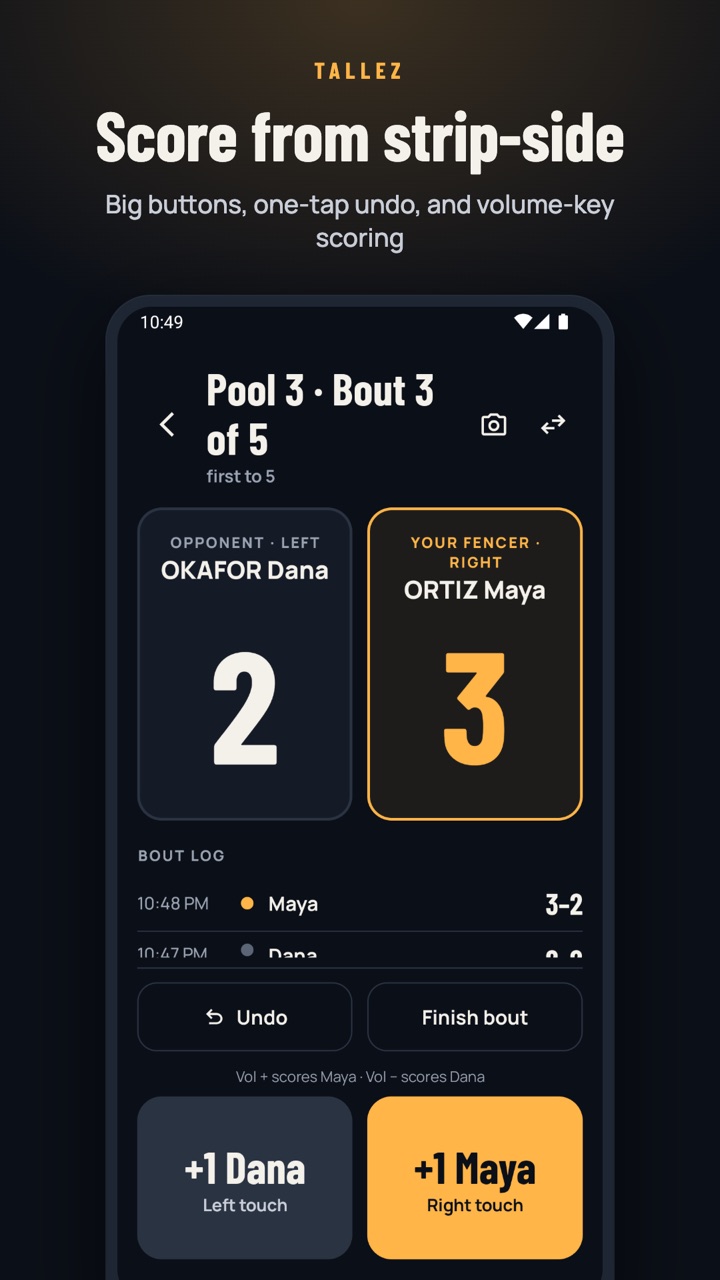
The test for every screen was simple. Could she use it with one hand, between touches, without taking her eyes off the strip for long?
What It Grew Into
Once scoring worked, the rest of her screenshot routine turned into features.
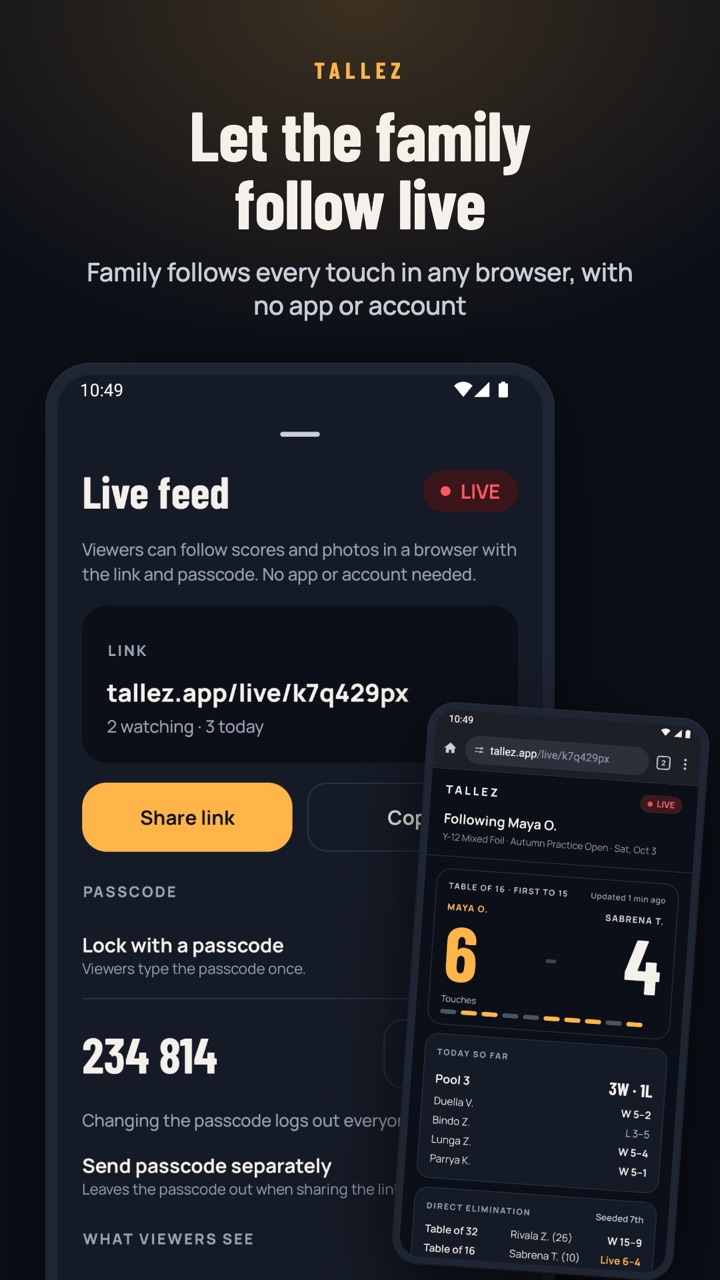
- The family chat became a live feed. Share a link and family can follow in any browser, with no app or account. They see the score touch by touch, each result, and the photos you post. You can lock it with a passcode, keep it to first names, and stop sharing whenever you like.
- Taking photos without missing a point. Duty #1 (photography) used to mean falling behind on the score. Now, the camera opens right from the scoring screen, and the
+1buttons keep working while you shoot. Every photo is stamped with the exact score at that moment. - Pools lead into the DE bracket. Paste the Pool Results page and Tallez fills in the seed, starting round, and first opponent. The bracket shows each round and the finish your fencer has already locked in.
- Every tournament stays in one place. History keeps every pool, DE bracket, and club night. Families with more than one fencer can switch between them with one tap.
It also had to work where tournaments actually happen. Convention centers and school gyms are notorious for having no signal, so scoring, pools, DEs, and history all work offline. There’s no account, and names and results stay on your phone unless you share a live feed. When you do share a feed, it queues updates locally and catches right up as soon as you have cell service again.
From Web App to Native App
I started building Tallez in March, and it’s gone through a few iterations since. A quick look under the hood for the engineers:
Step 1: A Progressive Web App
The first version was a progressive web app, built with Next.js on Firebase, that you could add to your home screen. Within a week it could score a bout and import a pool sheet from Fencing Time Live. By April it handled DEs, and family could follow along with a share code. Scores lived in Firestore.
Step 2: Going Native on Android
In July, I started porting it to a native Android app written in Kotlin with Jetpack Compose. The port changed where the data lives. Instead of Firestore, everything goes into a Room database on the phone, so the app works with no signal and no account.
By early October, the Android app had caught up to and surpassed the web app, so I retired the web scorer and turned tallez.app into a landing page and waitlist. I spent the rest of October leaning into things only a native app can do well: hardware volume-key scoring, an integrated camera mode, ongoing lock-screen notifications for active events, and a rebuilt live feed. The feed is backed by Cloud Functions, Firestore, and Cloud Storage, and renders as a lightweight web page so family at home never have to install anything.
Step 3: Going Native on iOS
After weighing Kotlin Multiplatform against a full native rewrite, I decided to build the iPhone version natively in SwiftUI with full feature parity. Given how much Tallez leans on hardware buttons, camera integration, and live notifications, going pure native felt like the right call. That’s what I’m building now.
What’s Next
Tallez is coming soon to Android and iPhone. If you’re a fencing parent, or you know one, join the waitlist at tallez.app and you’ll hear when it’s ready.
I’d also love to hear what your tournament days look like. If you have your own version of the marked-up screenshot, a note on your phone or a paper sheet in your bag, tell me about it at apps@mainmethod.dev. That’s where this whole app came from.
And to my wife, thanks for the spec.
Tallez isn’t affiliated with or endorsed by Fencing Time or any fencing federation.
🧇